
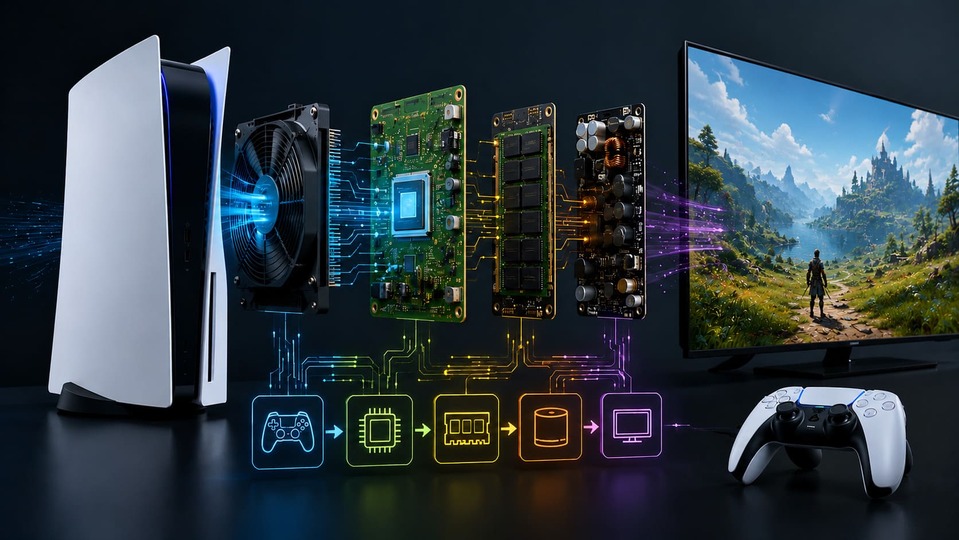

Gaming consoles seem simple, but their inner workings are complex. Every part is carefully designed for performance, heat control, and power use. The design takes years of research. Gaming consoles are specialized computers made just for playing games. They have custom hardware and software to run games smoothly. Unlike PCs, they focus only on gaming. They make games easy to start and play. Gaming consoles are built to do one thing well: play games with no hassle. But how exactly do they work? Let’s look at the key parts and functions.
Does a gaming console require Internet?
Many gamers wonder if they need the Internet to enjoy their console. The answer isn't a simple yes or no.
Most gaming consoles work without Internet, but some features need it. You can play single-player games offline. But updates, online multiplayer, and digital downloads require Internet access.
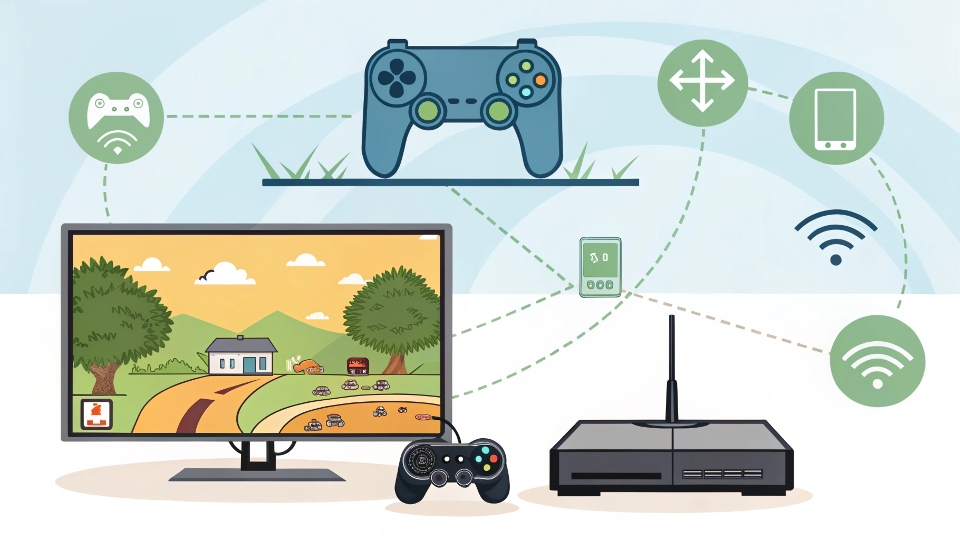 Internet use varies by console and game. Here’s a breakdown:
- Offline Play: Single-player games work fine without Internet. Many story-based games don’t need it.
- Online Features: Multiplayer modes, like in Fortnite or Call of Duty, need Internet.
- Updates: Game patches and system updates download via Internet. These fix bugs and add features.
- Digital Games: Buying games from online stores needs Internet. After downloading, some games might work offline.
Some newer consoles, like Xbox Series X, have strong online features. The PlayStation 5 also offers cloud gaming, which needs fast Internet. But you can still enjoy many games without being online.
What’s the difference between a PC and a gaming console?
Gamers often debate: console or PC? Both have strengths, but they work differently. Gaming consoles are simpler, cheaper, and optimized for games. PCs are more flexible but need more setup. Consoles offer plug-and-play ease, while PCs allow upgrades and wider uses.
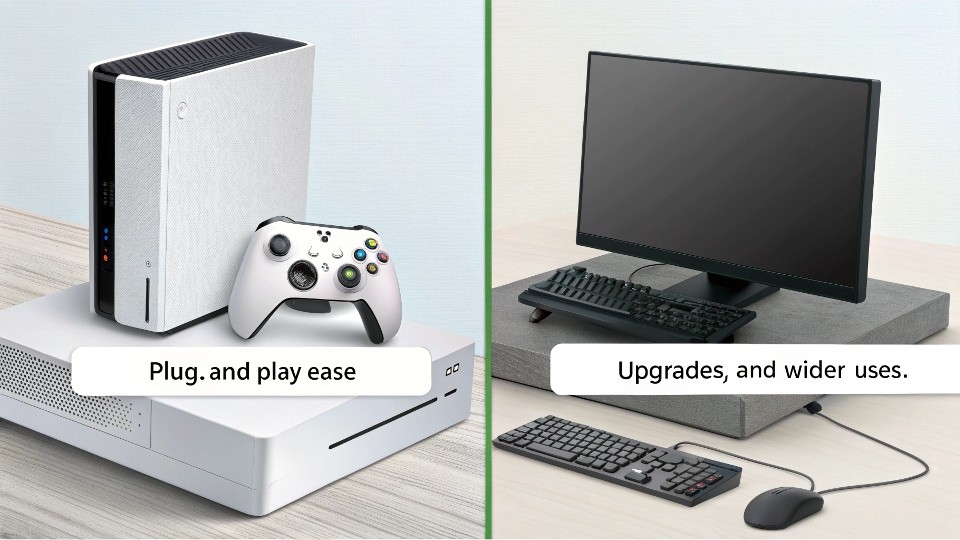 Here’s what makes them different:
1. Hardware:
- Console: Fixed parts. You get what’s built in. No upgrades except storage.
- PC: Customizable. You can swap parts like the GPU or RAM for better performance.
2. Ease of Use:
- Console: Turn on and play. Games are tested to run smoothly on the hardware.
- PC: May need adjustments. Settings like graphics quality might need tweaking.
3. Games and Exclusives:
- Console: Some games, like "Spider-Man" on PlayStation, are only available there.
- PC: Bigger library, especially for indie and old games. Also, mods change gameplay.
4. Cost:
- Console: Lower upfront cost. Games are often more expensive over time.
- PC: More expensive at first, but game sales and free online play can save money.
Consoles are great if you want simplicity. PCs are better for flexibility and power.
What are the main components inside a console?
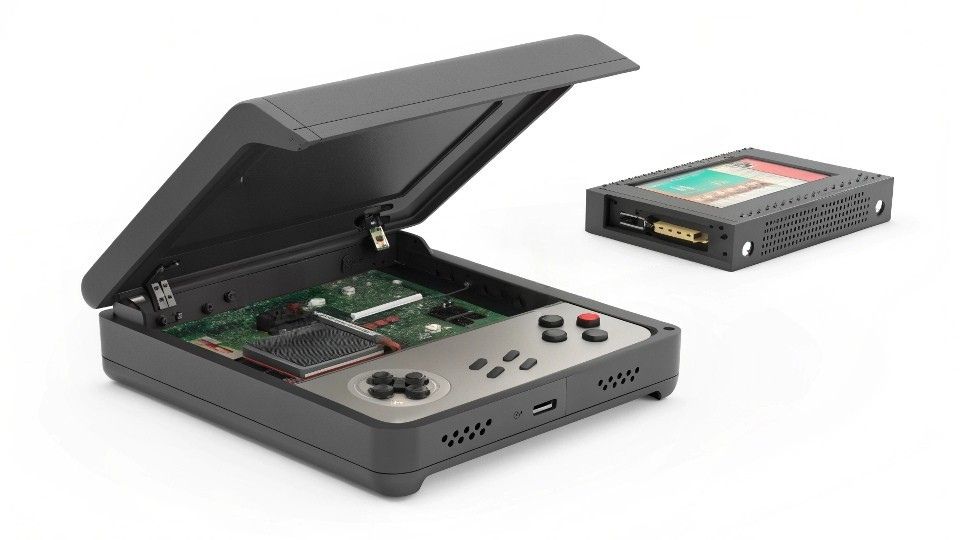
Knowing what’s inside a gaming console helps understand how it works. Gaming consoles have five key parts: CPU, GPU, memory, storage, and cooling. The CPU and GPU handle game tasks. Memory helps with speed, and storage holds games. Cooling stops overheating.
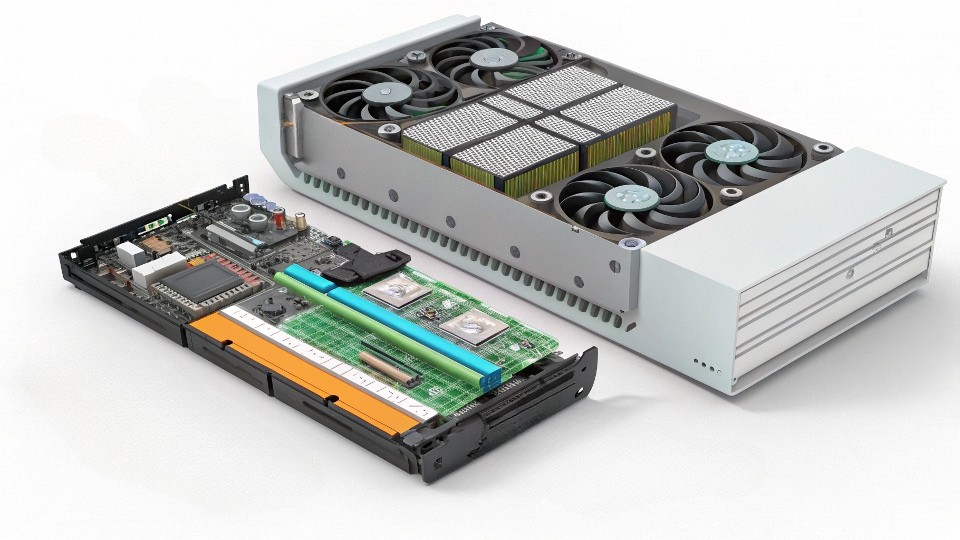 Let’s dive deeper:
- CPU (Processor): The brain of the console. It manages game logic, physics, and AI.
- GPU (Graphics Card): Handles visuals. It makes games look good and run smoothly.
- Memory (RAM): Stores game data temporarily for quick access. More RAM helps performance.
- Storage (HDD/SSD): Keeps games and apps. SSDs load games faster than HDDs.
- Cooling System: Fans or liquid cooling prevent overheating. Important for long gaming sessions.
Consoles like the PlayStation 5 use custom parts for better performance. Their SSDs load games almost instantly. Cooling systems keep noise low and performance steady.
How does a console run a game?
Ever wondered how pressing "start" leads to playing a game? There’s a lot happening behind the scenes. When you start a game, the console loads data from storage, uses RAM for quick access, and the CPU/GPU process everything. The result is the game appearing on screen.
 The process involves several steps:
- Loading the Game: The console reads the game data from the disc or storage.
- Storing in RAM: Important data stays in RAM for fast access while playing.
- CPU and GPU Work: The CPU handles game logic, while the GPU renders graphics.
- Output to Display: The console sends the final image to your TV or monitor.
- Player Input: Controls from the gamepad tell the console what to do next.
This all happens in milliseconds. Modern consoles make it seamless. Games look great and respond quickly to your actions.
Conclusion
Gaming consoles are powerful machines designed for fun. They make gaming easy with optimized hardware and simple setups. Whether offline or online, they offer great experiences.