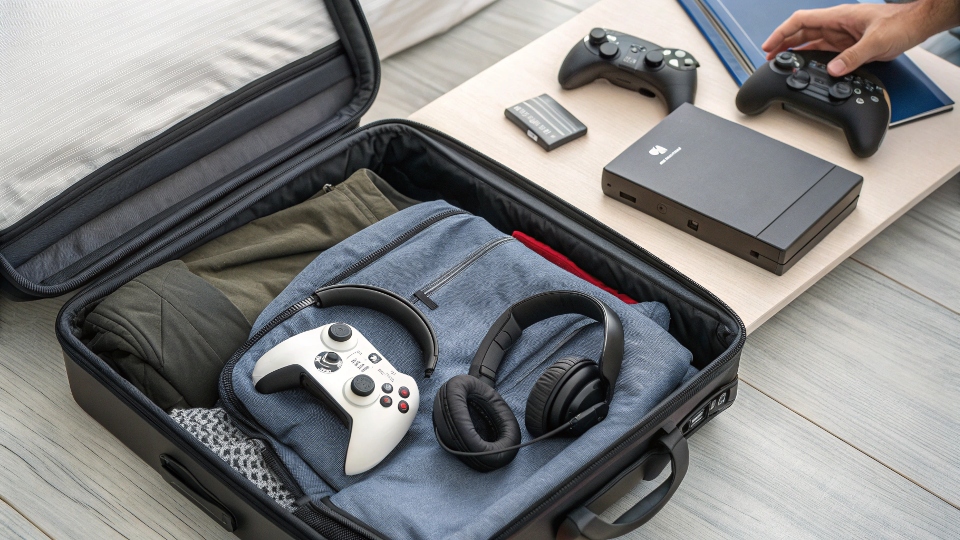

Traveling with a game console? Many gamers wonder if it’s allowed. The short answer is yes, but there are rules to follow. Let’s break it down.
Yes, you can bring a game console as a carry-on. The TSA allows it, but it must go through security screening. Pack it properly to avoid damage. Some airlines may have additional rules, so check before flying.
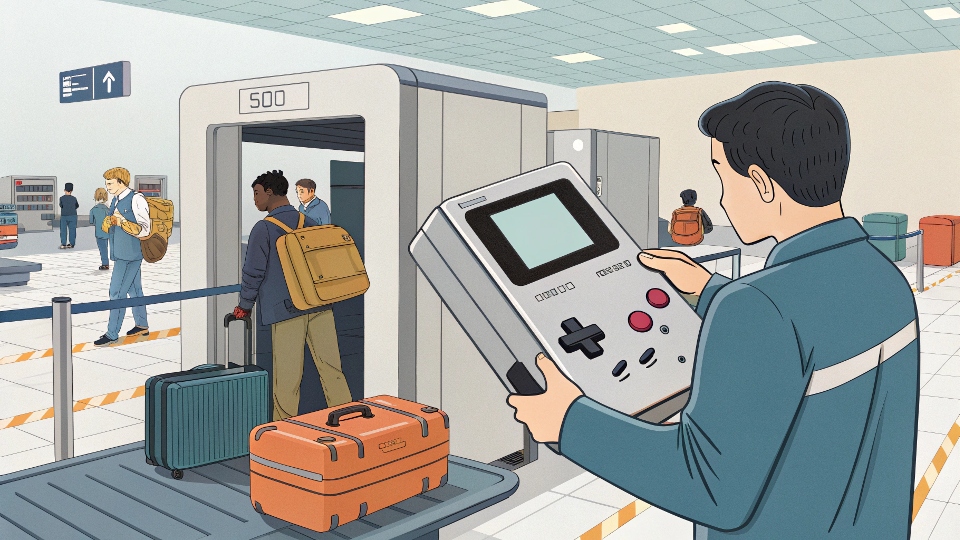
Taking a console on a plane is possible, but how do you do it safely? Here’s what you need to know.
Can I Bring a Game Console on a Plane?
Flying with a console? It’s common, but you must prepare. Airlines and security have rules you should follow.
Game consoles are allowed in carry-on bags. The TSA treats them like other electronics. Remove them for screening if asked. Pack them securely to avoid damage during the flight.
What Are the Rules?
-
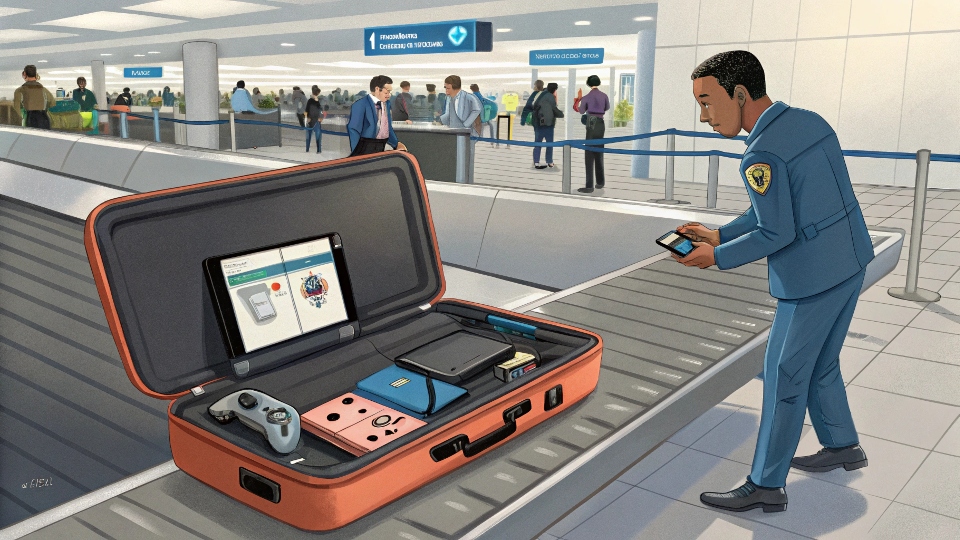
- Consoles must go through X-ray screening.
- You may need to remove them from your bag.
- Lithium batteries (if any) must follow airline rules.
-
- Check your airline’s website for size/weight limits.
- Some airlines count it as a personal item.
-
International Flights:
- Research customs rules for electronics.
- Some countries have strict import laws.
Pro Tip: Always pack consoles in protective cases. Hard-shell cases work best. Use bubble wrap if needed.
How to Pack a PS5 for Travel?
The PS5 is bulky. Packing it wrong can lead to damage. Here’s how to do it right.
Use a hard-shell case or the original box. Wrap the console in anti-static bubble wrap. Keep cables and accessories in separate compartments. Label the case as fragile.
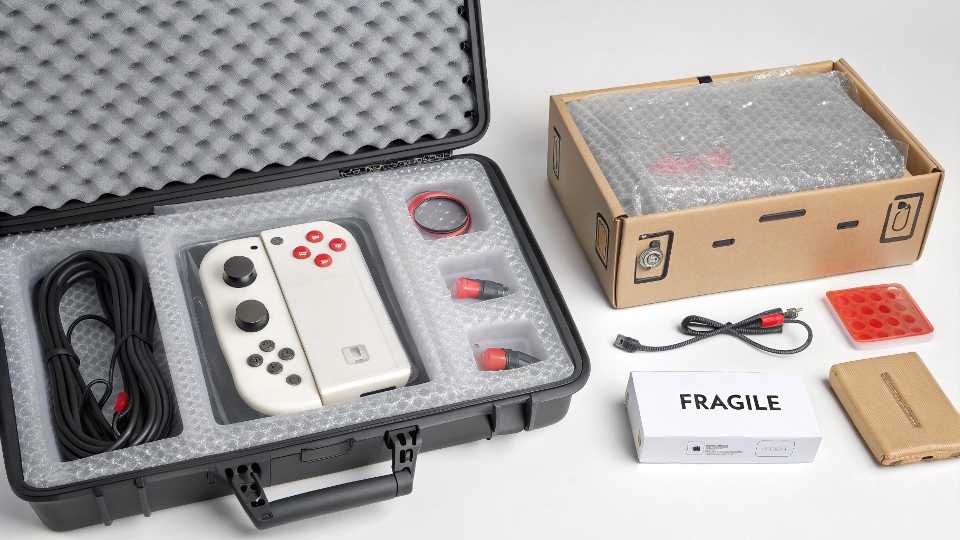
Step-by-Step Packing Guide
-
Choose the Right Case:
- Hard-shell cases protect best.3
- Look for ones with foam inserts.
-
Protect the Console:
- Wrap it in bubble wrap.4
- Avoid pressure on the disc drive.
-
Organize Accessories:
- Use zip-lock bags for cables.
- Keep controllers in padded sections.
-
Label Everything:
- Write “Fragile” on the case.
- Include contact info inside.
Warning: Never check a PS5 in luggage. Always carry it on.
Airport Security Rules for Consoles
Security checks can be stressful. Know the rules to avoid delays.
Consoles must go through X-ray machines. Remove them if asked. Lithium batteries are allowed but follow airline limits. No special permits are needed for most consoles.
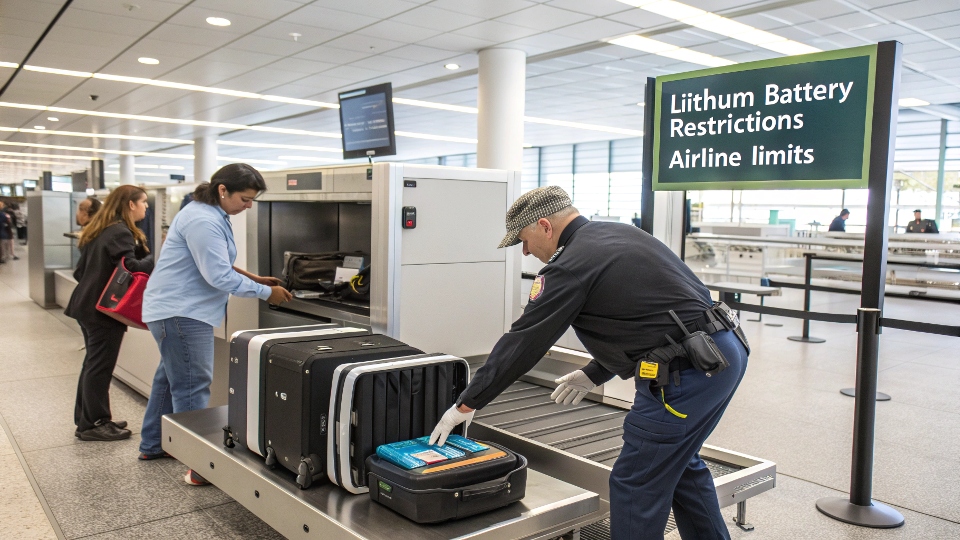
What to Expect at Security
-
Screening Process:
- Place the console in a bin.
- Remove it from bags if bulky.
-
- Built-in batteries are fine.
- Spare batteries may need approval.
-
- Some airports scan electronics separately.
- Be ready for additional checks.
Tip: Arrive early. Security may take extra time for electronics.
Can You Play Your Console During the Flight?
Want to game mid-flight? It depends on the airline.
Most airlines allow console use during the flight, but only in airplane mode. No online gaming. Always ask the crew before setting up.
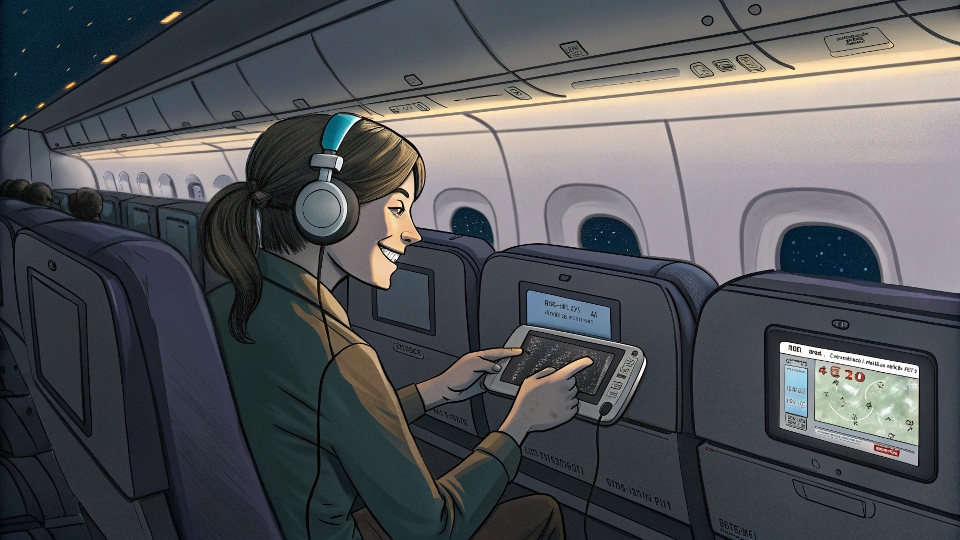
Rules for In-Flight Gaming
-
When Can You Play?
- Only after takeoff and before landing.
- Follow crew instructions.
-
- Use the seat’s USB port if available.
- Bring a portable charger.
-
- Download games beforehand.
- Avoid multiplayer modes.
Note: Some airlines ban console use entirely. Check their policy first.
Conclusion
Yes, you can bring a game console on a plane. Pack it well, follow security rules, and enjoy gaming on the go. Safe travels!
Understanding TSA Guidelines is crucial for smooth travel with electronics, ensuring compliance and avoiding delays. ↩
Exploring Airline Policies helps you prepare for your journey, ensuring your console meets size and weight requirements. ↩
Explore this link to understand why hard-shell cases are essential for protecting your gaming console during transport. ↩
This resource will guide you on the best practices for wrapping your console to ensure maximum safety. ↩
Understanding battery rules can help you avoid delays and ensure a smooth security process at the airport. ↩
Exploring international differences in security checks can prepare you for varying procedures at different airports. ↩
Explore this link to discover optimal power solutions for gaming during flights, ensuring uninterrupted fun. ↩
Check out this resource for tips on downloading games and maximizing your offline gaming experience. ↩