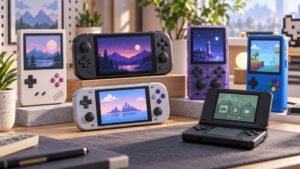
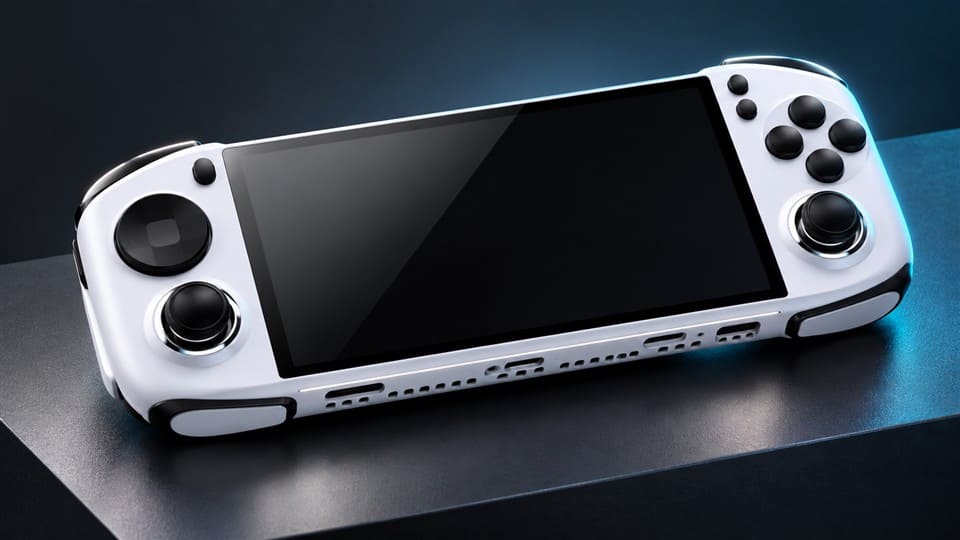

A handheld game console screen is often the first thing buyers notice, but it is also one of the easiest parts to misunderstand. I often hear buyers ask only about size, IPS, TFT, or resolution. That can create pricing confusion, wrong positioning, and unhappy end users. A better screen decision starts with market fit.
A handheld game console screen should not be judged by size or panel name alone. Buyers should compare screen size, resolution, aspect ratio, brightness, viewing angle, color performance, game compatibility, retail price, and customer expectations.1 The best screen is not always the highest-spec screen. It is the screen that fits the target market and selling price.
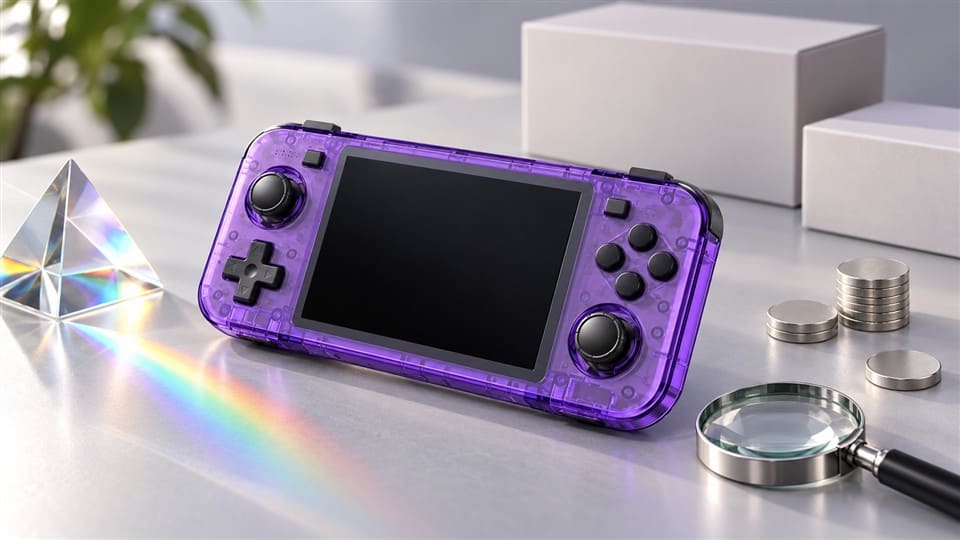
I work with importers, wholesalers, online sellers, and private-label buyers who source retro handheld consoles in different price ranges. The most useful discussions are not only about display parameters. They are about how the screen supports the product’s real selling strategy.
Why Is the Handheld Game Console Screen More Than Just Size?
Screen size looks simple, but it can mislead buyers. I have seen buyers compare two handheld consoles only by saying, “This one has a bigger screen.” That sounds logical at first. But when the games, resolution, and retail price do not match, a bigger display may not improve the product.
A handheld game console screen is more than a visible front part. It affects game display fit, user comfort, power consumption, product cost, listing claims, and customer satisfaction.2 For B2B sourcing, buyers should treat screen size as one factor, not the full decision.
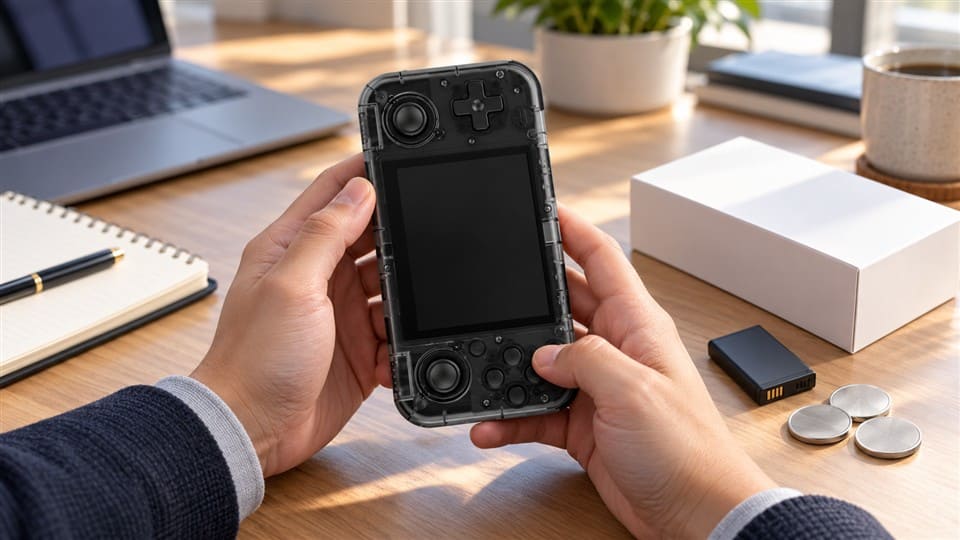
Screen size is the “face,” not the whole product
In my daily communication with buyers, screen size is usually the first question:
- “Is it 3.5 inch or 4 inch?”
- “Do you have a 5 inch model?”
- “Can we use a bigger screen for this market?”
- “Will a larger screen sell better on Amazon?”
These are fair questions. A larger screen can look more attractive in product photos. It may also feel better for customers who play longer sessions. But for retro gaming products, the screen must match the content.
Many classic games were designed for older display formats.3 Some games fit better on a 4:3 screen.4 Some handheld consoles use wider screens, but the game image may be stretched or displayed with black borders5. If buyers only look at the diagonal size, they may miss this issue.
What buyers should check besides size
When I discuss a handheld game console screen with B2B customers, I usually bring the conversation back to these points:
| Factor | Why it matters for buyers |
|---|---|
| Screen size | Affects product appearance, comfort, and perceived value |
| Resolution | Affects sharpness and emulator display quality |
| Aspect ratio | Affects whether games look natural or stretched |
| Brightness | Affects indoor and outdoor visibility |
| Viewing angle | Affects user experience from different positions |
| Color performance | Affects product images and real user perception |
| Cost impact | Affects wholesale price and retail margin |
| Listing accuracy | Affects reviews, returns, and buyer trust |
A screen can be large but not sharp. A screen can be sharp but too expensive for a budget market. A screen can look good in supplier photos but create disappointment if the product page overpromises.
A practical example from sourcing
I once discussed a retro handheld project with a buyer who wanted a bigger screen mainly because competitors used “large screen” in their listing titles. After comparing the target retail price, local demand, and expected margin, we realized that a mid-size screen with stable display quality made more sense.
The buyer did not need the largest screen. They needed a product that could be sold clearly, priced competitively, and reviewed fairly. That is often the real answer in B2B sourcing.
My view is simple: the screen should support the product strategy, not just decorate the product photo.
Is an IPS Handheld Game Console Screen Always Better Than TFT?
IPS sounds attractive, and many buyers ask for it because it is easy to promote. I understand that. “IPS screen” looks stronger in listings than “TFT screen.” But if the market is price-sensitive, a higher-spec panel may raise the cost without improving sell-through.
An IPS handheld game console screen is not always the best purchasing choice. IPS usually offers better viewing angles and color performance6, while TFT may support lower-cost positioning. Buyers should choose based on retail price, customer expectations, game type, and margin target.
IPS and TFT are not just labels for marketing
Many buyers ask me, “Is it IPS or TFT?” I always answer, but I also ask a second question: “What retail price are you targeting?”
That question matters because screen choice directly affects product cost. For some markets, customers may happily pay more for better display quality. For other markets, buyers need a strong entry-level price. In those cases, a more expensive screen may reduce margin or make the product harder to sell.
IPS panels are generally known for:
- Wider viewing angles
- Better color consistency
- Stronger perceived display quality
- More attractive selling points for mid-range or premium listings
TFT panels may still be suitable when:
- The product targets a budget segment
- The customer mainly cares about price and game quantity
- The retail channel competes heavily on low price
- The screen size and resolution already meet normal expectations
The right question is about suitability
I do not like to tell buyers, “IPS is always better.” That is too simple. In real sourcing, better specification does not always mean better business result.
A buyer may sell a low-cost handheld console in a market where customers compare only price, built-in games, battery, and basic appearance. In that situation, the extra cost of IPS may not return enough value.
Another buyer may sell through Amazon, a gaming store, or a private-label channel. Their customers may read reviews carefully and expect better display quality.7 In that case, an IPS handheld game console screen may reduce complaints and support a higher retail price.
A simple buying matrix
I often use a basic logic like this when talking with customers:
| Buyer position | Possible screen direction | Reason |
|---|---|---|
| Budget wholesale | TFT or standard screen | Keeps cost under control |
| Gift market | Balanced screen quality | Appearance and price both matter |
| Amazon/e-commerce | More careful screen selection | Reviews and returns affect profit |
| Private label | IPS or better display option | Brand reputation matters |
| Gaming retailer | Screen-game fit is important | Customers may know the product better |
Do not buy a screen label only
I also remind buyers to check real samples before confirming bulk orders. The term “IPS” or “TFT” is useful, but it does not replace sample evaluation.
For procurement, I suggest checking:
- Real viewing angle under normal indoor light
- Color performance with actual game menus and gameplay
- Brightness level in the expected use environment
- Display scaling for popular emulators
- Photo accuracy compared with listing images
This is not lab testing. It is practical buyer evaluation. I believe most B2B buyers need this more than complicated display theory.
How Should Buyers Match a Handheld Game Console Screen With Their Market?
Many sourcing mistakes happen because buyers ask, “Is this screen good?” That question is too general. A screen can be good for one market and wrong for another. I usually guide buyers to ask a more useful question: “Is this screen suitable for my retail price and customer expectations?”
Buyers should match a handheld game console screen with the target market, retail price range, sales channel, and expected user experience. A suitable screen protects margin, supports honest marketing, and reduces the gap between product page promises and real customer experience.
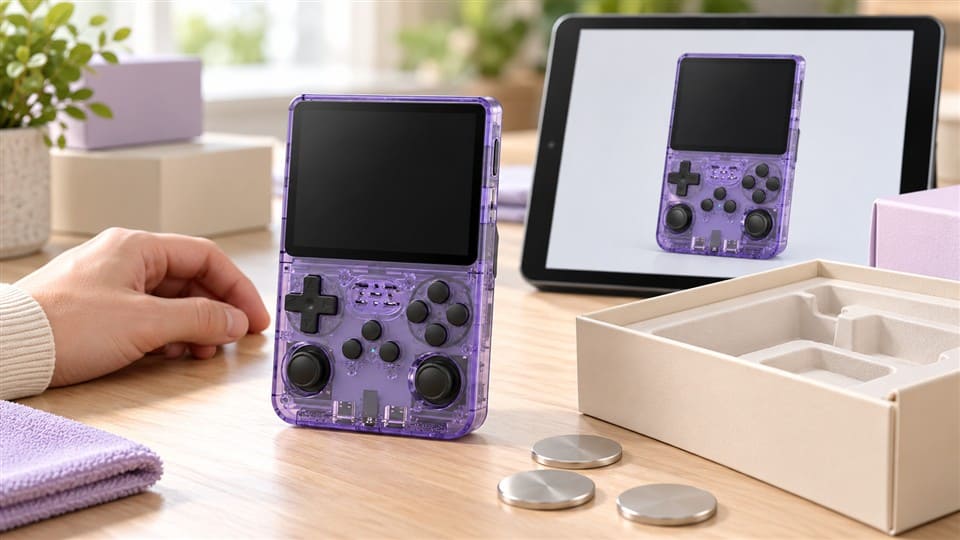
Different markets judge screens differently
I supply buyers in Europe, Latin America, Africa, the Middle East, Southeast Asia, and North America. I cannot say every customer in each region wants the same thing. That would be careless. But I can say buyers usually have different priorities depending on their channel and price band.
For example:
- A wholesaler may care most about stable supply and competitive price.
- An Amazon seller may care about reviews, returns, and product page accuracy.
- A private-label buyer may care about brand image and repeat purchase.
- A gift company may care about appearance, packaging, and simple user satisfaction.
- A gaming store may care about real play experience and customer trust.
The screen choice should follow these priorities.
Retail price decides many things
If your target retail price is low, every extra cost matters. A higher-spec screen may push the final price beyond what customers accept.8 If your target retail price is mid-range or higher, a better display may help justify the price.
Here is a simple way to think about it:
| Retail positioning | Screen decision focus |
|---|---|
| Entry-level | Basic clarity, acceptable brightness, controlled cost |
| Mid-range | Better viewing angle, better color, stronger listing appeal |
| Premium/private label | More consistent display experience, stronger sample review |
| Gift channel | Good appearance, easy-to-understand selling points |
| Online marketplace | Accurate images, clear specs, lower return risk |
Game compatibility matters more than many buyers expect
Retro consoles often support different emulators and game formats.9 The screen must show these games in a way that feels normal. A mismatch can create problems:
- The game image may look stretched.
- The screen may show black borders.
- Text may look too small.
- Pixel art may look uneven.
- Users may compare the real display with edited listing photos.
A buyer does not need to become a display engineer. But a buyer should test the screen with real games that customers are likely to play.
My practical sample checklist
When a buyer asks me which screen to choose, I often suggest checking a sample with simple steps:
- Turn on the console and check the menu clarity.
- Open several popular game types.
- Look at the screen from the front and side.
- Compare brightness under normal room lighting.
- Take real photos and compare them with future listing images.
- Ask whether the screen quality supports the planned retail price.
- Confirm whether the product description matches the real configuration.
This process is simple, but it avoids many mistakes. It also helps buyers brief their sales teams, content teams, and customer service teams.
The screen should match the promise
I always tell buyers that the product page promise must match the real product. If the listing shows a bright, colorful, full-screen game image, but the real product looks different, customers will notice. They may not know the technical reason, but they will feel disappointed.
That disappointment can become:
- Negative reviews
- Return requests
- Lower repeat purchase
- More customer service pressure
- Reduced trust in the seller’s brand
A suitable handheld game console screen is not only a hardware choice. It is also a risk-control decision.
What Screen Claims Can Create E-Commerce Risk?
Online sellers often want strong product images and powerful descriptions. I understand that because competition is intense. But screen-related claims are sensitive. If the claim is stronger than the real experience, the seller may win clicks but lose trust after delivery.
Screen claims create e-commerce risk when product photos, titles, or descriptions exaggerate the real display performance.10 Buyers should avoid unclear claims like “HD,” “full view,” or “premium IPS” unless the actual configuration, resolution, and user experience support those claims.
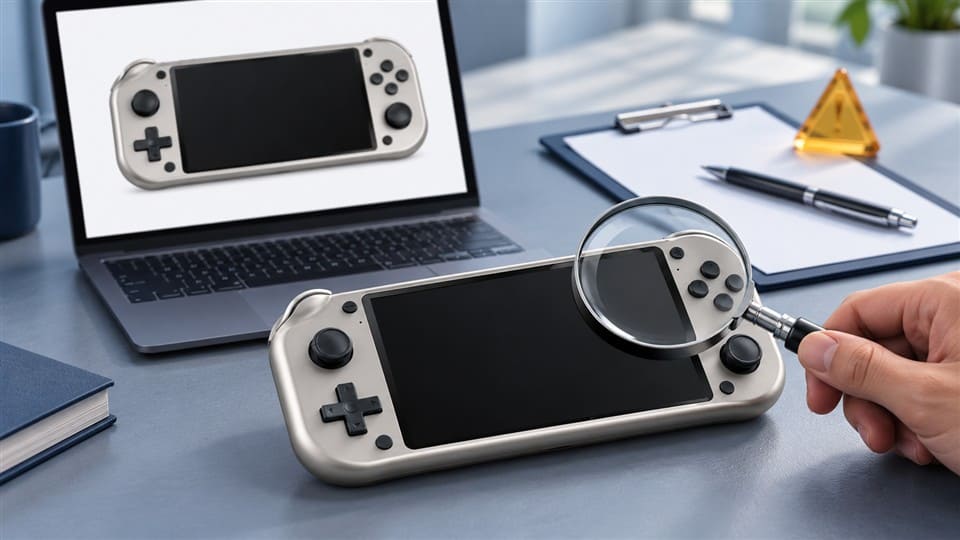
Why screen claims need extra care
A handheld console screen is easy for customers to judge. They can see it immediately after opening the box. If the display does not match what they expected, they do not need technical knowledge to complain.
This is especially important for Amazon sellers, TikTok shop sellers, independent website sellers, and other e-commerce buyers. These channels depend heavily on reviews and customer trust.
Common risky claims include:
- “HD screen” without clear resolution
- “IPS display” without confirmed configuration
- “Large full screen” when games show borders
- “Crystal clear” when the panel is only basic level
- Edited product images that look brighter than the real screen
- Showing gameplay that does not match the actual aspect ratio
Use clearer and safer product descriptions
I prefer descriptions that are specific and easy to verify. For example:
| Risky wording | Safer wording |
|---|---|
| Best HD screen | 3.5-inch screen with listed resolution |
| Perfect full-screen gaming | Supports display modes depending on game format |
| Premium IPS quality | IPS screen option available; confirm configuration before order |
| Super bright display | Designed for normal indoor gaming use |
| No black borders | Display effect may vary by emulator and game ratio |
This does not mean sellers should make the product look weak. It means sellers should describe the product in a way that customers can trust.
Product images should match real samples
I suggest buyers take their own photos or request real sample photos before building the final listing. Edited images can improve appearance, but they should not create a false expectation.11
For example, if the actual handheld game console screen has a normal brightness level, the listing should not show an extremely bright display in outdoor sunlight. If the game image usually has a certain ratio, the listing should not stretch it to fill the screen just because it looks better.
Confirm screen details before bulk order
Before confirming packaging, listing copy, or advertising materials, buyers should verify:
- Screen size
- Screen type, if used in marketing
- Resolution
- Aspect ratio
- Display mode options
- Sample appearance
- Supplier documents or product specification sheet
- Packaging claims
If certificates, test reports, or compliance documents are needed for your market, I always suggest buyers verify current documents directly with the supplier and, when necessary, with qualified professionals. This is especially important for importers and brand owners who must meet local rules.
The real cost of mismatch
A small screen claim mistake may look harmless during sourcing. But after launch, it can become expensive. Returns, refunds, bad reviews, and platform complaints can quickly reduce profit.
For B2B buyers, the goal is not to make the screen sound perfect. The goal is to make the screen promise accurate, attractive, and sustainable.
That is why I see screen selection as both a procurement decision and a marketing decision.
Frequently Asked Questions
Is IPS always better for a handheld retro game console?
No. IPS often has better viewing angles and color performance, but it may also increase cost. For a price-sensitive wholesale market, a standard TFT screen may be more suitable. Buyers should compare screen quality with target retail price, customer expectations, and margin.
What is the most important screen factor for B2B buyers?
The most important factor is market fit. Screen size, resolution, panel type, brightness, and aspect ratio all matter. But the final choice should support the buyer’s sales channel, price range, product positioning, and after-sales risk control.
Should I choose a bigger handheld game console screen?
A bigger screen can improve visual appeal, but it is not always the best choice. Buyers should check whether the resolution, aspect ratio, game display, and cost match the product strategy. A bigger screen with poor fit may create a weaker user experience.
How can I reduce screen-related return risk?
You can reduce return risk by testing real samples, checking display quality with actual games, using accurate listing images, and avoiding exaggerated claims. You should also confirm screen specifications with the supplier before printing packaging or launching ads.
Can I customize the screen for private-label orders?
Some handheld console models may support different screen configurations, depending on product structure, supply availability, MOQ, and cost. Buyers should discuss OEM/ODM requirements early and confirm samples before bulk production.
Conclusion
A handheld game console screen is the face of the product, but it should not be judged by face value only. I recommend buyers compare size, IPS/TFT type, resolution, aspect ratio, brightness, game fit, and price impact together. The best screen is the one that matches your market, margin, and customer promise. If you are sourcing retro handheld consoles for wholesale, e-commerce, or private label, contact KLF to discuss suitable models, screen options, samples, and OEM/ODM requirements.
"Toward Human-Aligned Luminance Measurement for ...", https://arxiv.org/html/2512.23051v1. Display-ergonomics and image-quality literature treats resolution, luminance, contrast, viewing angle, and color reproduction as distinct variables affecting perceived display quality, supporting a multi-factor screen assessment rather than a size-only comparison. Evidence role: expert_consensus; source type: research. Supports: Display evaluation commonly considers multiple parameters such as resolution, luminance, contrast, viewing angle, and color reproduction rather than physical size alone.. Scope note: Such sources support the technical basis for multi-factor evaluation, but they do not determine the best commercial choice for a specific handheld console SKU. ↩
"Digital Display Preference of Electronic Gadgets for Visual ...", https://pmc.ncbi.nlm.nih.gov/articles/PMC10512131/. Research on mobile and LCD displays shows that display luminance, backlight operation, and screen characteristics can contribute substantially to device power consumption and viewing comfort, supporting the technical portion of the claim. Evidence role: mechanism; source type: paper. Supports: Display characteristics such as brightness, backlighting, and panel operation can materially affect power consumption and viewing comfort.. Scope note: The evidence supports technical effects of displays; it does not directly measure customer satisfaction or product cost for this specific handheld-console category. ↩
"Display resolution standards", https://en.wikipedia.org/wiki/Display_resolution_standards. Historical accounts of arcade and home-console display standards show that many older games were created for CRT-based 4:3 presentation, providing context for why retro game images may not naturally fit modern wide screens. Evidence role: historical_context; source type: encyclopedia. Supports: Older arcade and home-console games were commonly designed around CRT-era display formats, especially 4:3 screens.. Scope note: This supports the general historical pattern, not the native display format of every individual retro game. ↩
"List of common display resolutions", https://en.wikipedia.org/wiki/List_of_common_display_resolutions. References on legacy video-game display formats indicate that many older console and arcade titles were designed for 4:3 CRT displays, which supports the claim that some retro games fit more naturally on 4:3 screens. Evidence role: general_support; source type: encyclopedia. Supports: Many legacy game systems targeted 4:3 CRT displays, making 4:3 screens a natural fit for some retro content.. Scope note: The source would provide contextual support; actual fit still depends on the specific game, emulator settings, and scaling method. ↩
"Pillarbox", https://en.wikipedia.org/wiki/Pillarbox. Technical descriptions of aspect-ratio conversion explain that content displayed on a screen with a different aspect ratio is commonly either scaled with letterboxing or pillarboxing, or stretched to fill the display, causing geometric distortion. Evidence role: mechanism; source type: encyclopedia. Supports: When source content and display aspect ratios differ, preserving or filling the screen can produce black bars or geometric distortion.. Scope note: This supports the display-scaling mechanism generally, not the behavior of every handheld console firmware or emulator. ↩
"In-plane switching", https://en.wikipedia.org/wiki/In-plane_switching. Technical references on in-plane switching LCDs describe IPS panels as designed to improve viewing angles and color reproduction relative to earlier LCD alignment methods, supporting the article’s general IPS-performance claim. Evidence role: definition; source type: encyclopedia. Supports: IPS is an LCD technology commonly associated with wider viewing angles and improved color consistency compared with older or cheaper LCD modes.. Scope note: The support is general because actual performance varies by panel quality, calibration, backlight, and implementation. ↩
"Effectiveness of Online Consumer Product Review", https://scholarspace.manoa.hawaii.edu/bitstreams/413ee9dd-c185-4304-9923-8efac5dd1fa7/download. Studies of electronic word of mouth find that online reviews affect consumer expectations, perceived product quality, and purchase decisions, supporting the article’s claim that e-commerce buyers must consider review-sensitive display quality. Evidence role: general_support; source type: paper. Supports: Online reviews influence consumer expectations and purchase decisions in e-commerce settings.. Scope note: The evidence is about online reviews generally and may not isolate handheld game console screens as a separate product attribute. ↩
"The Influence of Price on Purchase Intentions - PMC", https://pmc.ncbi.nlm.nih.gov/articles/PMC7911682/. Marketing and consumer-economics research on price sensitivity and willingness to pay shows that added product attributes create value only when customers are willing to pay for them, supporting the caution that higher-spec components can exceed acceptable price points. Evidence role: general_support; source type: paper. Supports: Customer acceptance of added features depends on willingness to pay and price sensitivity.. Scope note: The evidence supports the pricing mechanism generally; it does not quantify willingness to pay for IPS or higher-resolution screens in this specific product segment. ↩
"Video game console emulator", https://en.wikipedia.org/wiki/Video_game_console_emulator. General references on video-game emulation explain that emulators reproduce the behavior of different game systems and software formats, supporting the statement that retro consoles may handle multiple emulator and game-format contexts. Evidence role: definition; source type: encyclopedia. Supports: Video game emulators are used to reproduce software from different hardware platforms, which can involve different systems, resolutions, and formats.. Scope note: This establishes the concept of multi-system emulation but does not verify the emulator support list of any particular handheld console model. ↩
"Truth In Advertising", https://www.ftc.gov/news-events/topics/truth-advertising. Government consumer-protection guidance states that advertising claims, including online product representations, must be truthful, not misleading, and supported by evidence, supporting the claim that exaggerated display descriptions can create e-commerce risk. Evidence role: general_support; source type: government. Supports: Consumer protection rules require advertising claims and product representations to be truthful, non-misleading, and adequately substantiated.. Scope note: The source supports the legal principle generally; specific liability depends on jurisdiction, platform policy, claim wording, and the evidence available to the seller. ↩
"Truth In Advertising", https://www.ftc.gov/news-events/topics/truth-advertising. Consumer-protection guidance on deceptive advertising recognizes that visual representations as well as text claims may mislead consumers when they create inaccurate expectations about a product, supporting the caution about edited screen images. Evidence role: general_support; source type: government. Supports: Visual product representations can be misleading when they materially differ from the real product experience.. Scope note: The guidance is general and does not specifically address handheld console screen brightness or aspect-ratio editing. ↩