
The best place to sell game consoles is not always the most visible shelf. Many store owners put consoles in a normal electronics area, then wonder why shoppers walk past them. I usually suggest a different approach: match the placement to the console type, the customer’s buying reason, and how much explanation the product needs.
The best place to sell game consoles in a store depends on the product type and shopper behavior.1 Handheld retro consoles often fit high-visibility shelves, gift areas, or impulse displays. HDMI TV game sticks and plug-and-play home consoles usually perform better near TV accessories, demo screens, or displays that clearly explain how they work.
When I talk with retail stores and game shop buyers at KLF, the question is rarely just “Where should I put it?” The better question is: Where will shoppers understand it fastest and feel confident enough to ask, try, or buy?
Is the best place to sell game consoles always the main electronics shelf?
Many retailers start with the electronics shelf because it feels logical. The problem is that a retro console can look unfamiliar beside headphones, chargers, and cables. If shoppers do not understand the use case in a few seconds, they may ignore it.2
The best place to sell game consoles is not always the standard electronics shelf. A normal shelf works when the product is easy to understand from the box. If the console needs explanation, a demo area, gift display, or themed gaming corner often gives shoppers better context and reduces staff explanation time.3
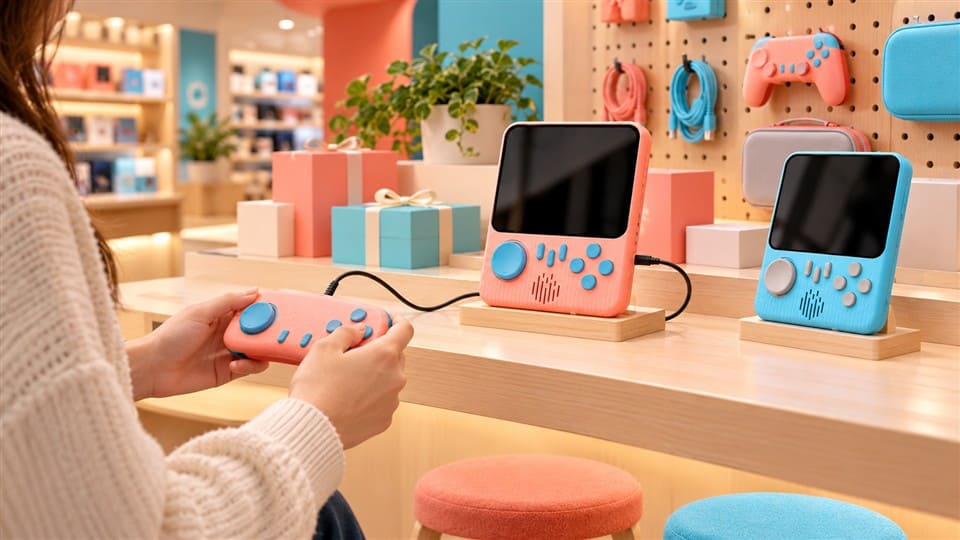
Why a normal shelf can fail
I have seen this issue come up often in conversations with shop buyers. A console may be a good product, but the shelf does not tell the story. A shopper sees a box with buttons, a screen, or an HDMI dongle. Then the shopper asks:
- What games does it play?
- Does it need internet?
- Does it connect to a TV?
- Is it for kids, adults, or retro gaming fans?
- Is it a gift item or a serious gaming device?
If the display does not answer these questions quickly, the product becomes “interesting but unclear.” That is where sales hesitation begins.
For store owners, placement should reduce three risks:
- Customers ignore the product because it blends into other electronics.
- Staff spend too much time explaining it during busy hours.
- Trial stock moves slowly because the product sits in a low-context area.
Better shelf decisions by product type
Different console formats need different retail logic.
| Console type | Common shopper question | Better placement idea |
|---|---|---|
| Handheld retro console | “Is this easy to use?” | High-traffic shelf, gift area, gaming corner |
| HDMI TV game stick | “How does it connect?” | TV accessory area, HDMI cable zone, demo screen |
| Plug-and-play home console | “Can my family use it?” | Family entertainment area, demo table |
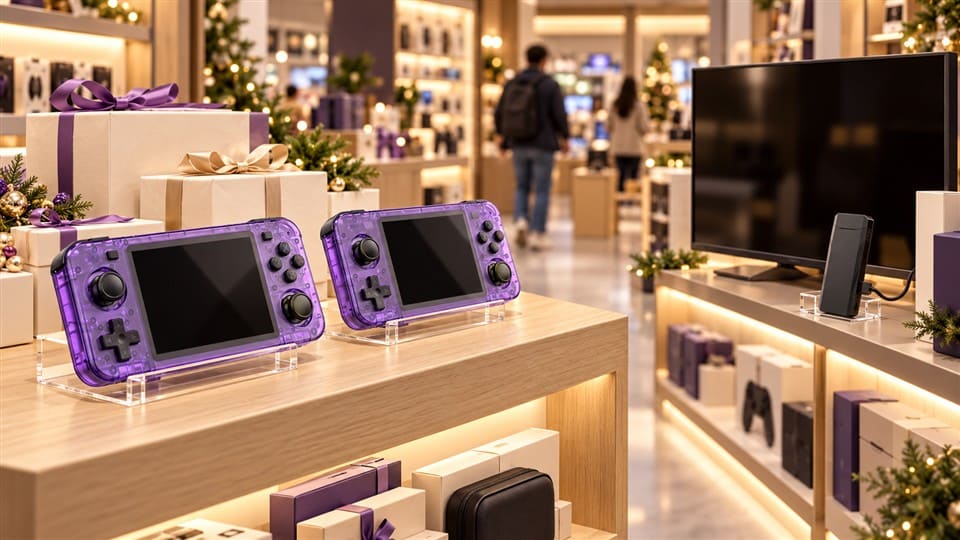
| Private-label gift console | “Is this a good present?” | Seasonal gift display, checkout-side display |
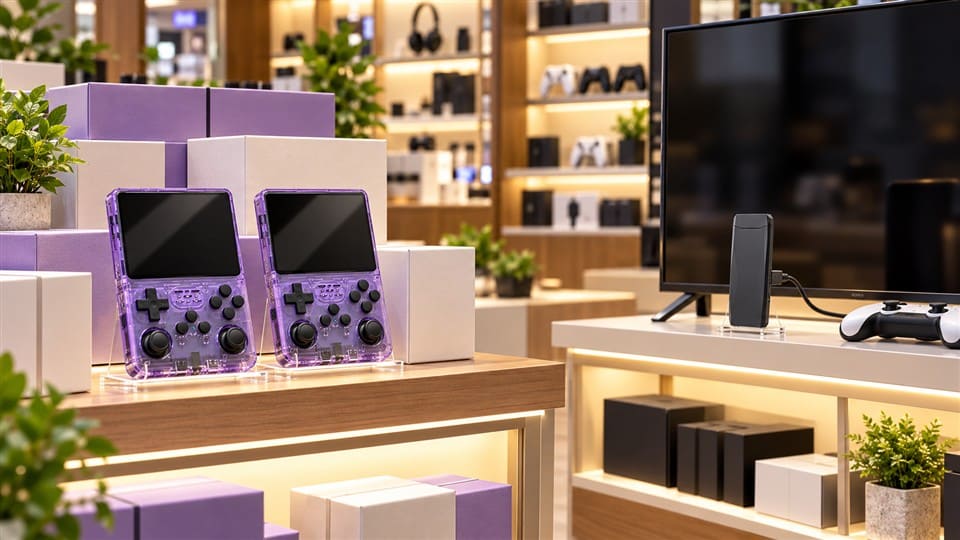
For example, a handheld retro console like an R36S-style device can often work well where people can see the screen, buttons, and packaging clearly. It has a simple “pick up and play” feeling. In many retail cases, shoppers understand it faster than a TV game stick.
An HDMI TV game stick is different. It may look like a USB device or TV accessory. If the packaging does not clearly show HDMI connection + wireless controllers + TV play, the shopper may not understand the value.4 That product often needs a TV-related area or a small visual explanation.
I usually tell buyers: visibility is useful, but context is what turns attention into interest.
How should I choose the best place to sell game consoles by product type?
Choosing the best place to sell game consoles starts with the console format. A handheld product, TV game stick, and home plug-and-play console do not create the same buying behavior.5 Each one needs a different display path.
You should place handheld consoles where shoppers can quickly see and understand them, while TV-based consoles should be near screens, TV accessories, or demo areas. Gift-focused products can work near seasonal displays. The right placement should match the product’s use case, not only its category label.
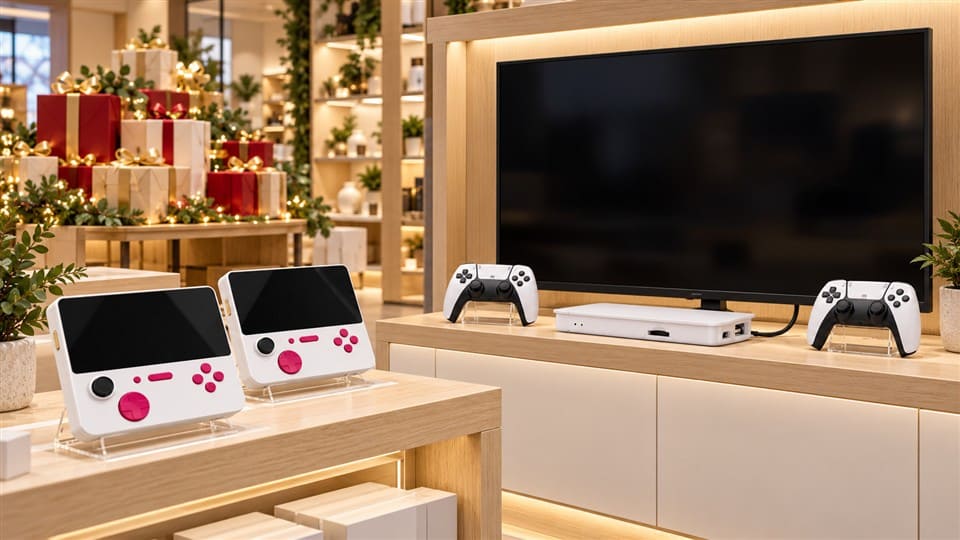
Handheld retro consoles
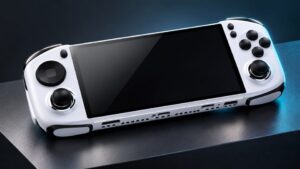
Handheld retro game consoles are often easier to display. The shape tells part of the story. A shopper can see the screen, controls, and portable use case immediately. That makes them suitable for:
- High-visibility retail shelves
- Game accessory zones
- Gift sections
- Checkout-adjacent displays
- Small demo counters
For stores testing this category, I like handheld consoles because they are easier to explain visually. A buyer does not always need a large TV setup. Clear packaging and a sample unit can be enough.
However, I would still avoid placing them too low on a shelf or mixed randomly with unrelated electronics. If the product is new to your customers, it needs eye-level placement or a small sign such as:
- “Retro games in one handheld device”
- “Portable gaming gift”
- “No phone required”
- “Good for travel and casual play”
HDMI TV game sticks
HDMI game sticks need more context. The shopper must understand that the device connects to a TV and usually works with wireless controllers. If it sits alone on a shelf, it may look like a streaming stick, USB drive, or unknown gadget.
For this type, I often suggest placement near:
- TV accessories
- HDMI cables
- Streaming devices
- Family entertainment products
- A small demo screen, if possible
The packaging should explain the use case before staff need to step in. A simple visual showing “plug into TV → connect controller → play games” can reduce confusion.6
Plug-and-play home consoles
Plug-and-play home consoles usually need a “family play” story. They may be suitable for parents, gift buyers, casual players, and retro fans. But shoppers need to see the full play scenario.
Good placements can include:
- A small gaming demo table
- A TV-connected display
- A family entertainment section
- A holiday gift area
- A weekend promotion corner
If the store has enough space, a demo can help. But I would keep the demo simple. Store staff do not need a complex setup. A short loop, clear controller placement, and one sign with key points can already help shoppers understand.
A simple placement decision table
| Buyer goal | Recommended placement | Why it helps |
|---|---|---|
| Fast impulse interest | Eye-level shelf or gift area | Shoppers notice the product quickly |
| Lower explanation cost | Display with clear usage signs | Staff answer fewer basic questions |
| Higher trust for unfamiliar products | Demo counter or sample unit | Shoppers see how it works |
| Family or gift purchase | Seasonal/gift zone | Matches buying occasion |
| TV-based gaming use | TV accessory/demo area | Makes connection method clear |
The point is simple: the best place to sell game consoles should make the product feel easy, useful, and suitable for a specific customer.
What display setup helps customers understand game consoles faster?
A weak display creates hesitation. A shopper may like the idea, but the product feels unfamiliar. If the store team must explain every detail, the product becomes harder to sell during busy hours.
The best display setup for game consoles uses clear packaging, simple signs, product grouping, and, when possible, a small demo. The goal is to answer the shopper’s first questions quickly: what it is, how it works, who it is for, and why it is worth considering.
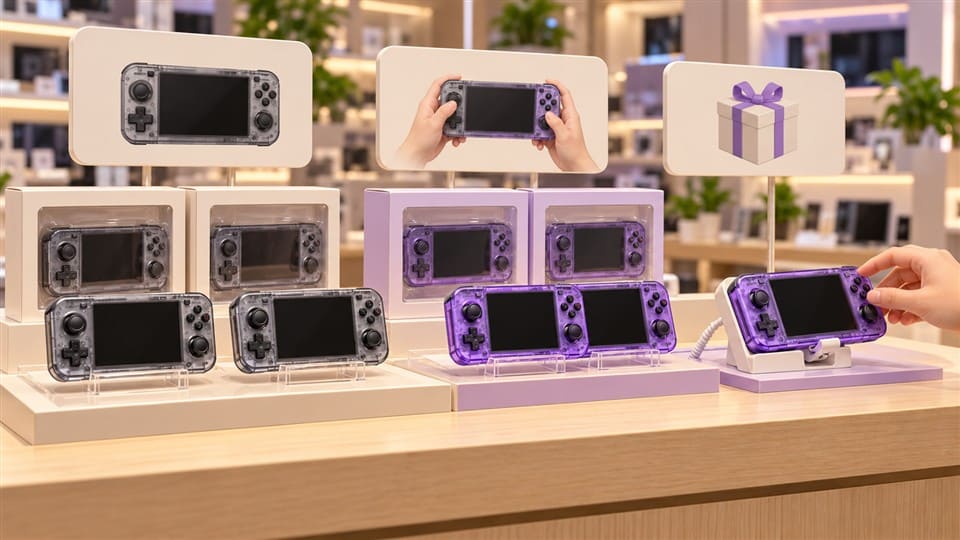
Use signs that answer real questions
Many retail signs say things like “Hot Sale” or “New Arrival.” Those can help, but they do not explain the product. For retro consoles, I prefer signs that answer basic shopper questions.
Good sign examples include:
- “Portable retro gaming console”
- “Connects to TV through HDMI”
- “Good gift for kids and retro game fans”
- “Plug-and-play home entertainment”
- “Ask staff for a quick demo”
These signs are simple, but they reduce mental friction.7 The customer does not need to guess.
Group products by use case
I do not recommend mixing every console model together without structure. If a store carries several types, grouping by use case is easier for shoppers.8
A practical layout could look like this:
| Display group | Products included | Customer type |
|---|---|---|
| Portable gaming | Handheld retro consoles | Travelers, kids, casual players |
| TV gaming | HDMI sticks, home consoles | Families, living room users |
| Gift picks | Colorful handhelds, boxed sets | Gift buyers |
| Value choices | Entry-level models | Price-sensitive shoppers |
| Premium picks | Larger screen or upgraded models | Enthusiasts, online sellers testing demand |
This kind of grouping also helps staff. A new employee can explain the section faster because the products are organized around shopper needs.
Keep demo areas simple
A demo can help, but only if it is easy to manage. I have heard buyers worry about damaged samples, missing cables, or customers spending too long at the demo table. Those concerns are reasonable.
A simple demo setup can include:
- One screen or monitor
- One connected TV game stick or home console
- One secured controller pair
- One short sign with three selling points
- One staff note with basic answers
For handheld products, a sample unit can be placed in a locked acrylic case or shown by staff on request. If the store is small, even a printed product card with screenshots and connection steps can help.
Make packaging work harder
For B2B buyers, packaging is not only decoration. It is part of the retail selling process. Clear packaging can reduce staff explanation time and improve shopper confidence.9
When I discuss OEM or private-label packaging with buyers, I usually suggest focusing on:
- Product type
- Screen size or output type
- TV connection method
- Controller information
- Suitable user group
- Main use scenario
- Language localization for the target market
For example, a store in Europe may need multilingual packaging. A gift company may prefer brighter packaging and simpler wording. An electronics retailer may want clearer technical icons.
The best place to sell game consoles becomes more effective when the packaging and display work together. Placement brings attention. Packaging explains. Demo reduces doubt.10
How can store owners test console placement without taking big inventory risks?
Many retailers hesitate because they do not know how fast game consoles will move. That concern is fair. A new product category can tie up shelf space and cash if placement is wrong.
Store owners can test game console placement with small trial quantities, clear product grouping, limited display zones, and weekly staff feedback. The goal is not to prove one perfect location. The goal is to learn where shoppers notice, understand, ask about, and buy the product with the least friction.
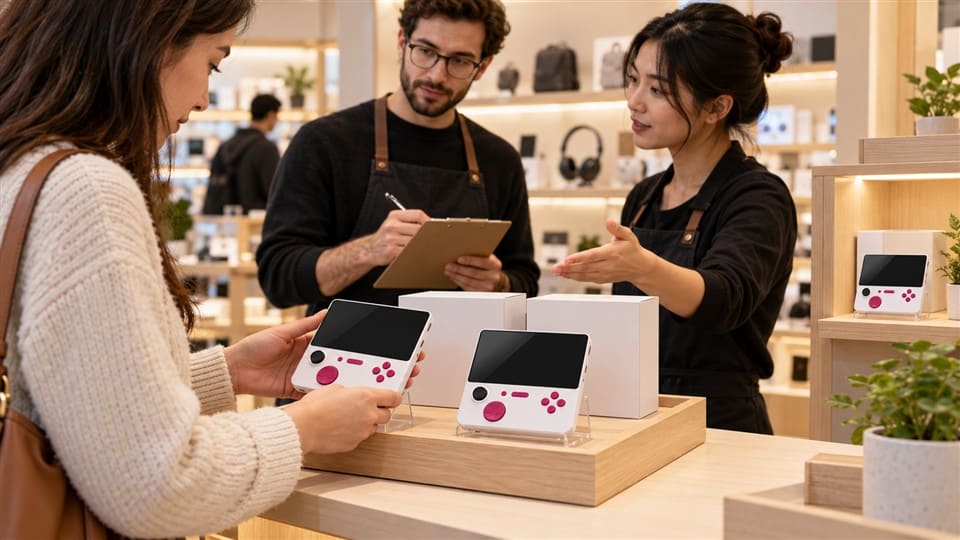
Start with a small test plan
For stores testing this category, I would not begin with too many models. Too many choices can confuse shoppers and staff.11 A focused test is easier to manage.
A simple first test may include:
- 1–2 handheld retro console models
- 1 HDMI TV game stick or plug-and-play console
- 1 gift-friendly product option
- 2 display locations
- 2–4 weeks of observation
The store can then compare customer reactions. The data does not need to be complicated. Staff can record basic notes:
- Did shoppers stop and look?
- Did they ask what the product does?
- Did they ask about warranty or games?
- Did they compare it with other gifts?
- Did they need a demo before buying?
Compare traffic and context
A high-traffic area is not always better.12 A product near the checkout may get attention, but shoppers may not have time to ask questions. A gaming corner may have lower traffic, but better intent. A gift zone may work before holidays but not all year.
I usually think about placement with two questions:
- How many shoppers pass this area?
- How ready are they to understand this product here?
The second question is often more important.
Avoid slow-moving trial stock
Slow-moving inventory is not always a product problem. Sometimes it is a display problem. If a TV game stick is placed far from TV accessories, customers may not connect the product to a living room use case. If a handheld console is placed too low or behind glass without explanation, customers may not ask about it.
To reduce risk, stores can:
- Rotate the display after two weeks
- Use a sample unit or product card
- Train staff with five basic answers
- Test gift positioning during holidays
- Keep the first order conservative
- Ask suppliers for packaging and model suggestions by market
At KLF, I see buyers from different regions choose different starting points. Some prefer handheld consoles because they are easier to show. Others prefer TV game sticks because they fit family entertainment or value-driven markets. I treat both as valid choices. The right answer depends on the store, customer base, and display space.
Frequently Asked Questions
Should game consoles be placed near the checkout?
Game consoles can be placed near checkout if they are simple, giftable, and easy to understand. Handheld retro consoles may work better there than HDMI TV game sticks. If the product needs explanation, a checkout display may create interest but not enough confidence to buy.
Do retro game consoles need a demo in-store?
Retro game consoles do not always need a demo, but a demo often helps when the product is unfamiliar. TV-based consoles benefit more from demos because customers want to see connection and controller use. Handheld consoles may only need clear packaging and a visible sample.
Is a gift section a good place for handheld game consoles?
Yes, a gift section can be a good place for handheld game consoles, especially during holidays, birthdays, and promotional seasons. The display should make the product feel easy to use and suitable for different ages. Clear price points and packaging also matter.
How many console models should a store test first?
A store can start with two to four console models. I usually suggest testing one or two handheld consoles plus one TV-based option. This keeps the display simple and helps staff explain differences without overwhelming shoppers.
What should packaging show for in-store console sales?
Packaging should show the product type, play scenario, connection method, controller information, screen size if relevant, and suitable users. For international retail, language localization also matters. Good packaging reduces confusion and supports better shelf performance.
Conclusion
The best place to sell game consoles depends on how shoppers understand the product, not only where they can see it. Handheld retro consoles often fit high-visibility shelves, gift areas, and impulse displays. HDMI TV game sticks and plug-and-play home consoles usually need stronger context, such as TV accessory zones or demo areas. If you are testing this category, start small, watch shopper behavior, and adjust placement by product type. If you need help choosing suitable retro console models for wholesale or retail testing, I can share practical options based on your store format and target market.
"BRAND PLACEMENT AND CONSUMER CHOICE - PMC - NIH", https://pmc.ncbi.nlm.nih.gov/articles/PMC2741065/. Research on retail merchandising and shopper behavior indicates that product placement effectiveness depends on product characteristics, shopping goals, and in-store decision processes. Evidence role: general_support; source type: paper. Supports: Retail placement decisions are influenced by product category characteristics and observed shopper behavior.. Scope note: Such research supports the general placement principle but may not study retro game consoles specifically. ↩
"Measuring the Value of Point-of-Purchase Marketing with ...", https://sites.insead.edu/facultyresearch/research/doc.cfm?did=2691. Studies of in-store consumer attention show that shoppers allocate limited visual attention to shelf items, making rapid recognition and comprehension important for product consideration. Evidence role: mechanism; source type: paper. Supports: Limited shopper attention and rapid in-store decision making make clear product communication important at the shelf.. Scope note: The evidence explains the attention mechanism generally rather than proving a specific number of seconds for game-console displays. ↩
"Online Product Displays Can Shape Your Buying Behavior", https://today.ucsd.edu/story/products-displays-on-webpages-can-affect-what-you-add-to-your-cart. Retail and consumer-behavior research finds that contextual displays and product demonstrations can make product use more observable and easier for shoppers to evaluate. Evidence role: mechanism; source type: paper. Supports: Contextual retail displays and demonstrations can improve product comprehension and evaluation.. Scope note: The source may support improved shopper understanding more directly than reduced staff explanation time. ↩
"The Impact of Visual Elements of Packaging Design on ... - PMC", https://pmc.ncbi.nlm.nih.gov/articles/PMC11851823/. Packaging research shows that visual and informational cues on packages help consumers infer product attributes, usage, and value during purchase decisions. Evidence role: mechanism; source type: paper. Supports: Packaging information and visual cues influence how consumers understand product function and value.. Scope note: The evidence is about packaging communication broadly, not HDMI game-stick packaging specifically. ↩
"Psychology of Consumer Behavior: Understanding Your ...", https://www.keiseruniversity.edu/articles/consumer-behavior-understanding-market/. Consumer decision-making research indicates that purchase behavior varies across product categories and use situations, especially when products differ in complexity and intended use. Evidence role: general_support; source type: paper. Supports: Consumer decision processes vary with product type, use case, and level of involvement.. Scope note: The source would provide general consumer-behavior support rather than direct evidence comparing handheld consoles with TV game sticks. ↩
"Impact of work instruction difficulty on cognitive load ... - PMC", https://pmc.ncbi.nlm.nih.gov/articles/PMC11958653/. Human-factors and instructional-design studies show that well-designed pictorial instructions can improve comprehension of procedural tasks and reduce users' cognitive effort. Evidence role: mechanism; source type: paper. Supports: Pictorial or visual instructions can improve comprehension of procedural tasks and reduce cognitive effort.. Scope note: The evidence supports the mechanism of visual instruction generally, not a measured effect for game-console shelf signage. ↩
"Cognitive Load Theory", https://www.mcw.edu/-/media/MCW/Education/Academic-Affairs/OEI/Faculty-Quick-Guides/Cognitive-Load-Theory.pdf. Research on point-of-purchase communication suggests that informative retail signage can guide attention and help shoppers process product attributes during in-store decisions. Evidence role: mechanism; source type: paper. Supports: Informative in-store signage can help consumers process product information and make decisions with less effort.. Scope note: The evidence supports signage as an information aid but may not use the article's term 'mental friction.' ↩
"Perceptions of Assortment Variety: The Effects of Congruency ...", https://faculty.wharton.upenn.edu/wp-content/uploads/2012/04/Perceptions-of-Assortment-Variety.pdf. Consumer research on goal-derived categories indicates that shoppers often organize and evaluate products around intended uses, which can make use-case-based assortments easier to navigate. Evidence role: mechanism; source type: paper. Supports: Grouping products according to consumer goals or usage occasions can support easier navigation and comparison.. Scope note: The support is theoretical and behavioral rather than a direct test of console displays. ↩
"The Impact of Visual Elements of Packaging Design on ... - PMC", https://pmc.ncbi.nlm.nih.gov/articles/PMC11851823/. Packaging studies indicate that clear product information and visual cues can support consumer evaluation and reduce uncertainty at the point of purchase. Evidence role: general_support; source type: paper. Supports: Clear packaging information supports consumer evaluation and can reduce uncertainty during purchase decisions.. Scope note: The evidence supports improved consumer understanding more directly than measurable reductions in staff explanation time. ↩
"The effect of blind box product uncertainty on consumers ...", https://pmc.ncbi.nlm.nih.gov/articles/PMC9381738/. Consumer-adoption research links product trialability and observability with reduced uncertainty, especially for products whose benefits are difficult to assess from packaging alone. Evidence role: mechanism; source type: paper. Supports: Demonstrations and opportunities to observe product use can reduce uncertainty and perceived risk.. Scope note: The evidence supports the general mechanism; it does not quantify the effect for retro game consoles. ↩
"future research directions in choice overload and its moderators", https://pmc.ncbi.nlm.nih.gov/articles/PMC11111947/. Research on choice overload finds that extensive assortments may increase decision difficulty and reduce purchase likelihood under some conditions, although effects vary by product category and shopper expertise. Evidence role: expert_consensus; source type: paper. Supports: Large assortments can sometimes increase decision difficulty or reduce purchase likelihood, depending on context.. Scope note: Choice-overload findings are context-dependent and should not be read as proof that every larger console assortment will perform worse. ↩
"BRAND PLACEMENT AND CONSUMER CHOICE - PMC - NIH", https://pmc.ncbi.nlm.nih.gov/articles/PMC2741065/. Retail analytics and shopper-behavior research indicate that store-location value depends not only on traffic volume but also on shopper intent, dwell time, and fit between the location and product category. Evidence role: general_support; source type: research. Supports: Retail placement effectiveness depends on more than foot traffic, including shopper intent, dwell time, and category fit.. Scope note: The evidence supports the broader merchandising principle rather than a console-specific placement rule. ↩